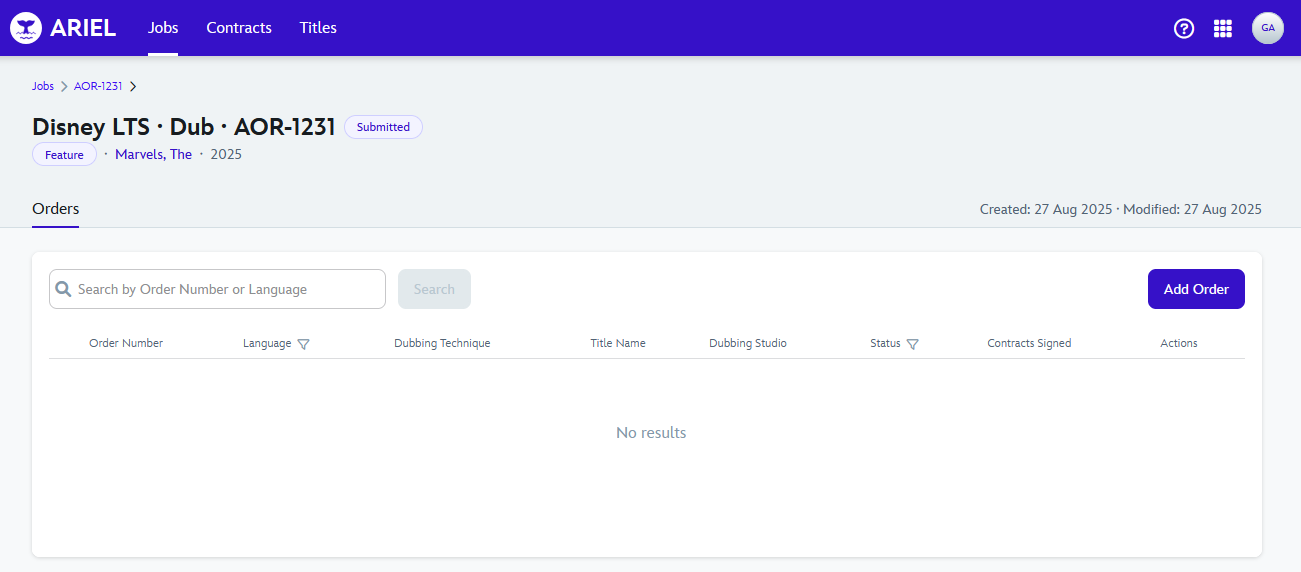
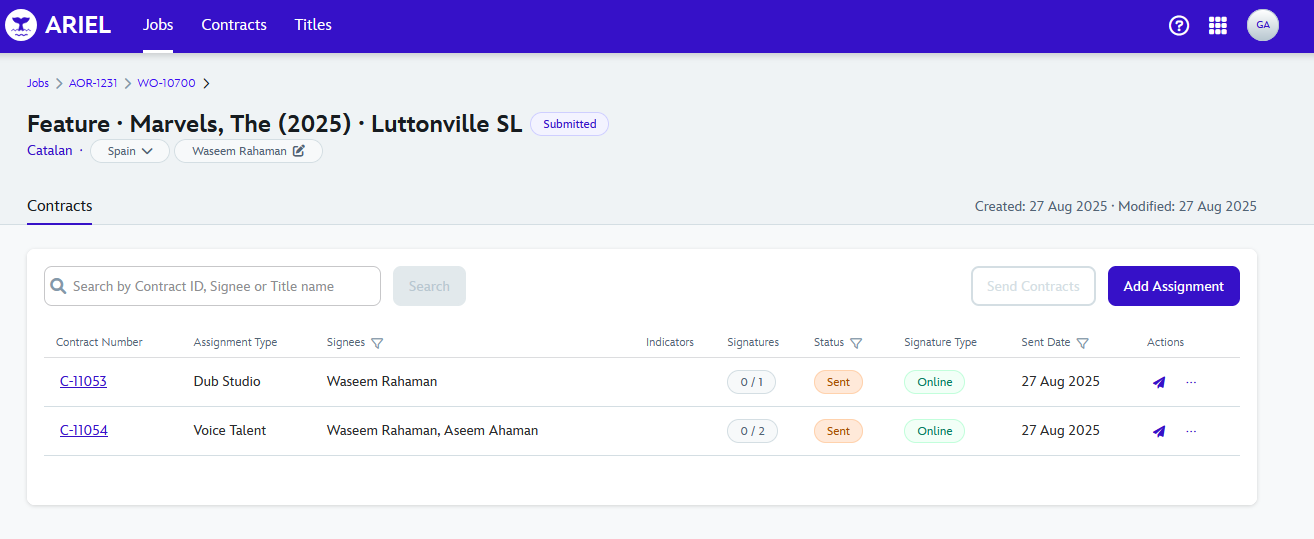
After creating a Job, ARIEL will redirect you to the recently created Job page, which will be empty.
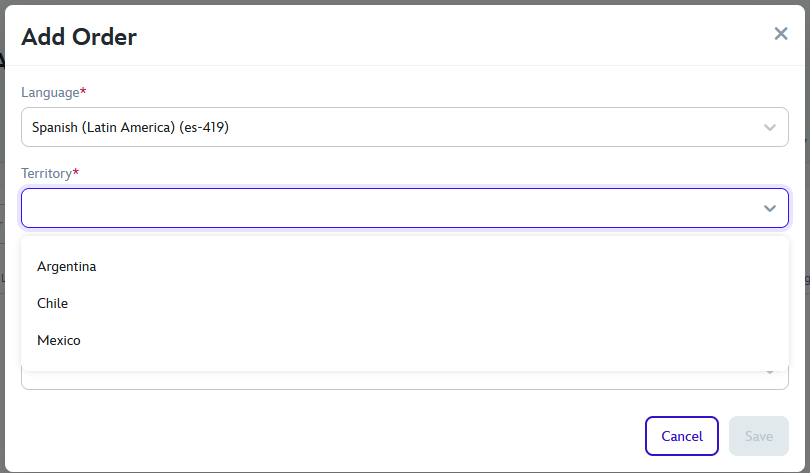
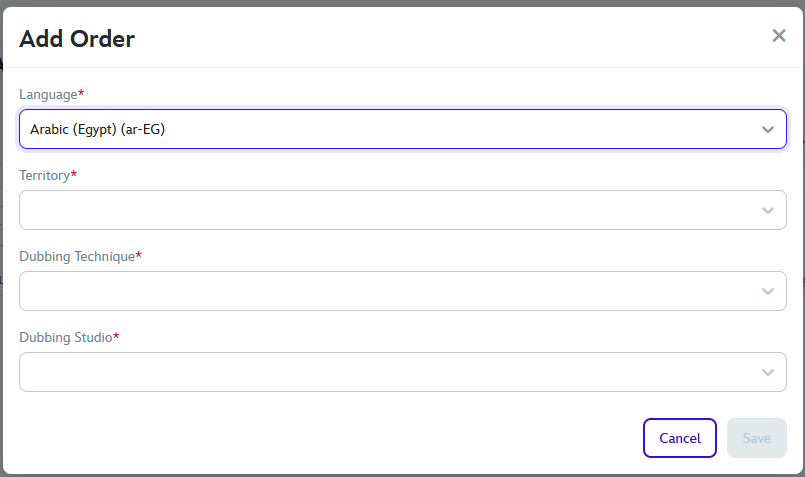
When adding an order clicking in the "Add Order", a pop-up will appear with several options. For adding the Territory, first a Language must be selected, then the Territories tied to the selected language can be selected.
In this example, as we have "Spanish (Latin-America) (es-419)" as the Language, Argentina, Chile and Mexico will appear as the select-able Territory.
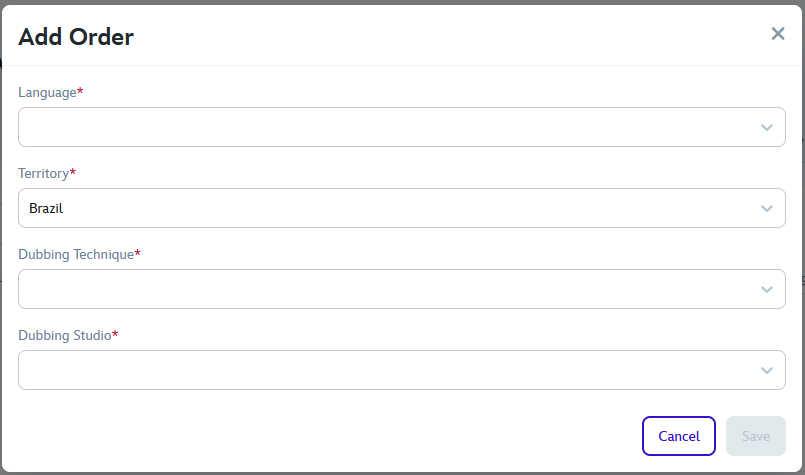
However, if you choose a Territory first, and it doesn't match the Language, the field will become blank. >
After adding an order, you'll be sent to the order page.