How can I add an assignment?
To add an assignment:
After an order is created, ARIEL will redirect you to the newly Order page, and an "Add Assignment" button is available inside
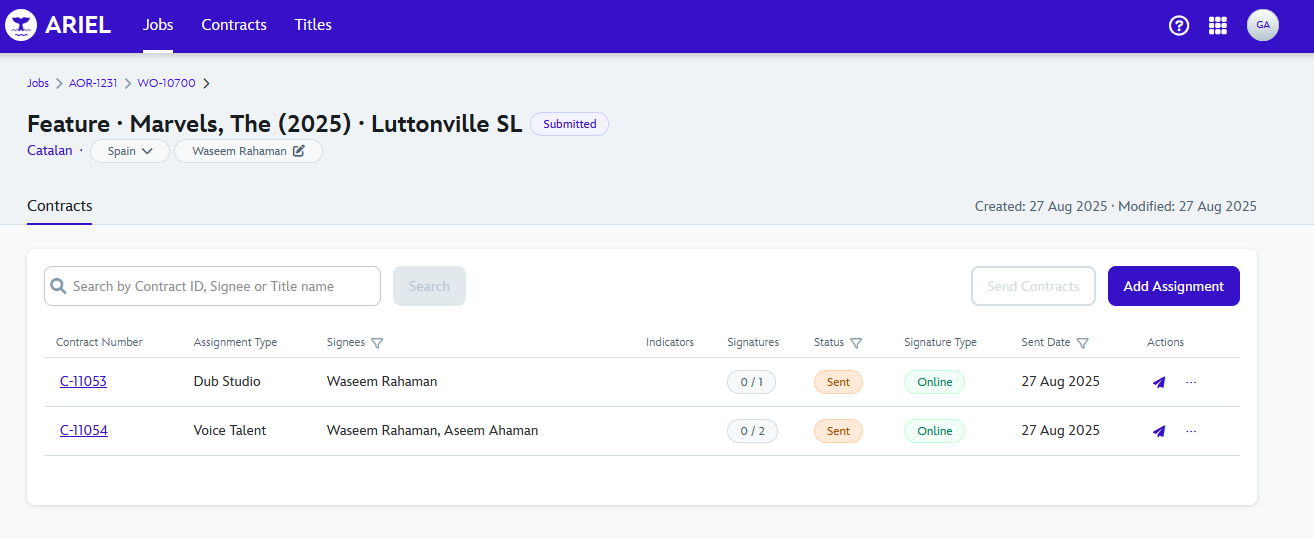
Clicking on it, a pop-up will show up, which will provide with several options: Studio PM, Assignment Type, Titles and Services
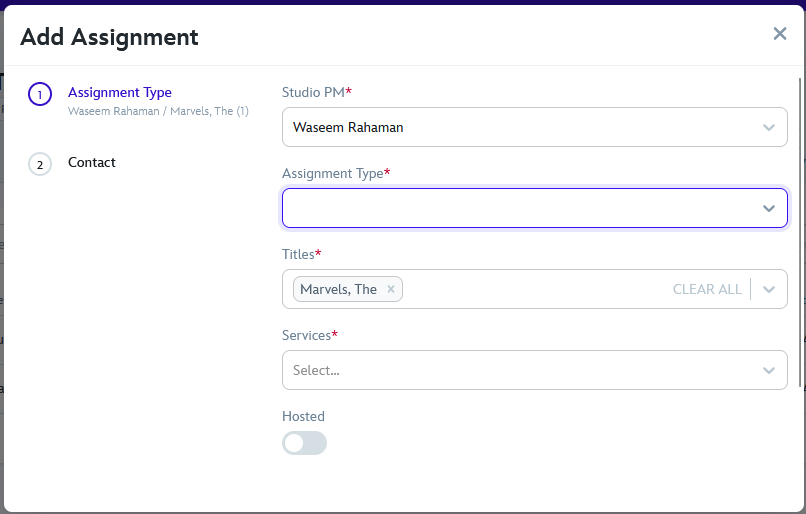
After filling and reviewing all the information, scrolling down you can continue clicking Next, where you can add Talent by searching one already used, or creating a new one:
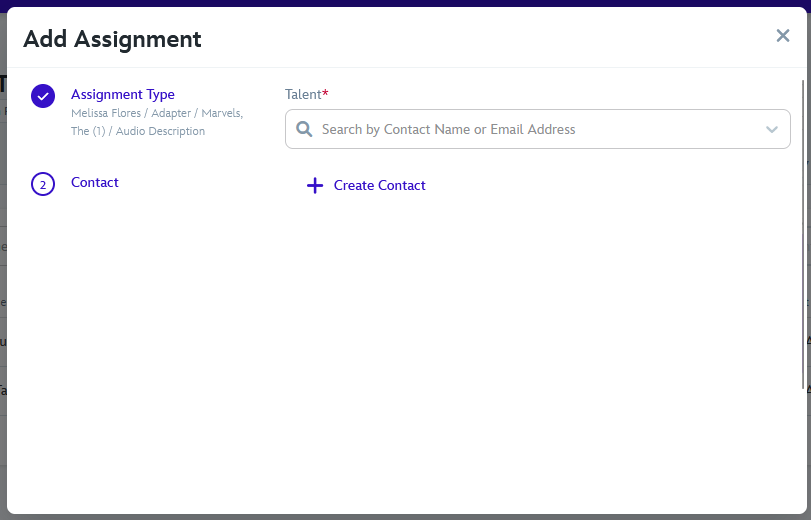
Following that, and reviewing all information is correct, scroll down and the "Add Assignment" is colored and able to be clicked.
15 September 2025