How to add a work order?
To add a work order:
Go to the Job tab and select a job.
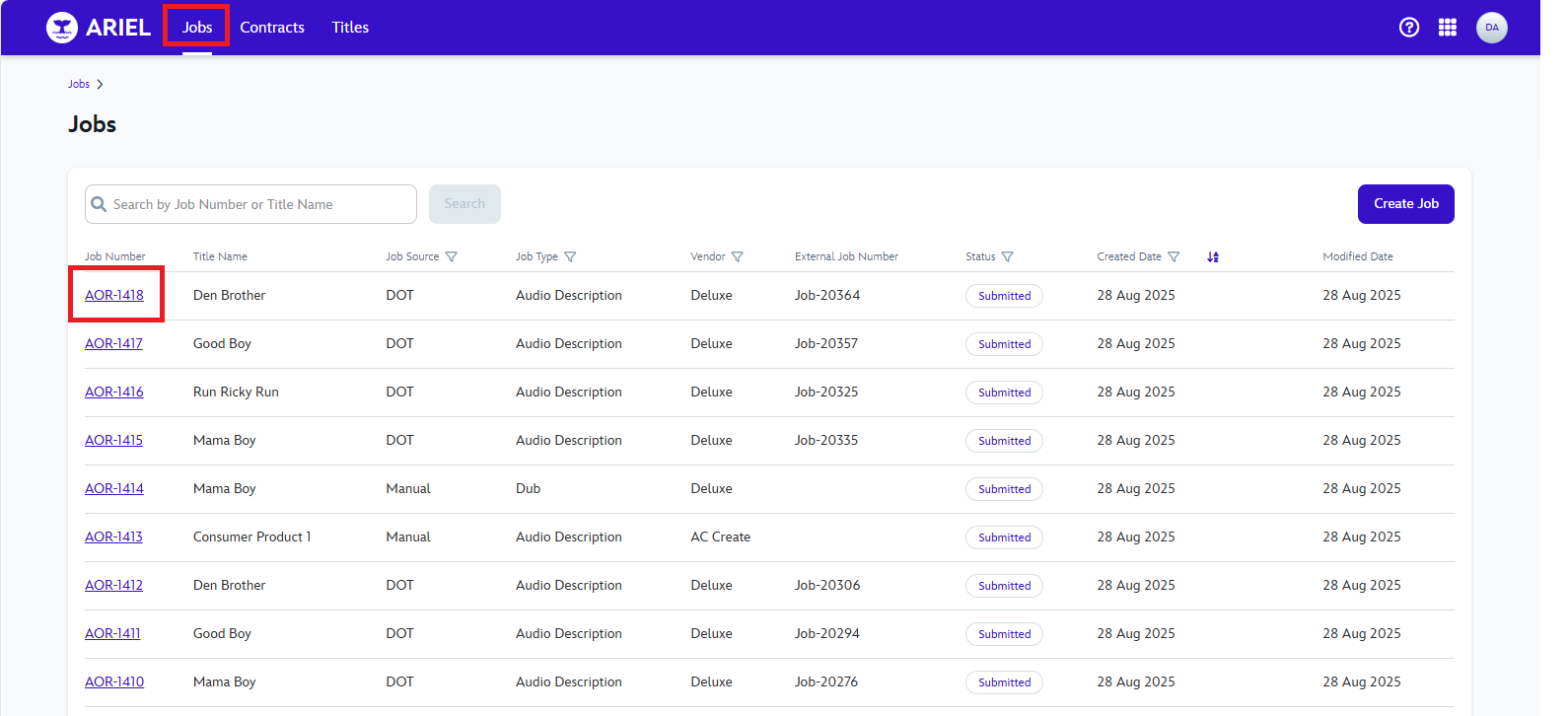
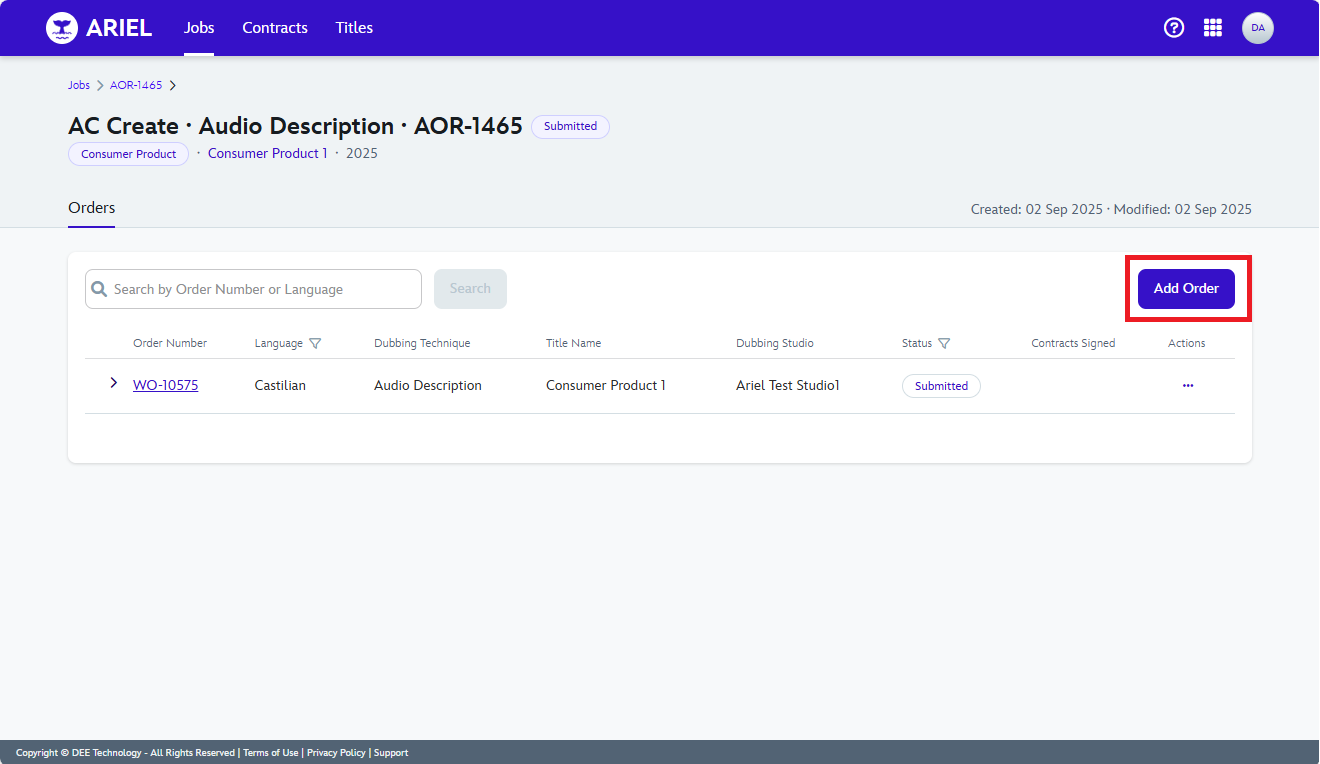
Click on the right blue button that says "Add Order".
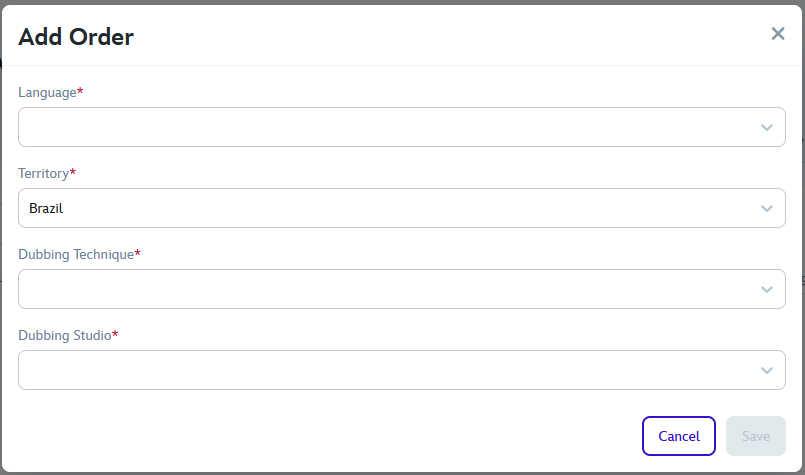
After you click the Add Order button, a UI will popup where you will be able to fill the Order Details.
Check How to assign and update the territory of an order to understand how the territory field works
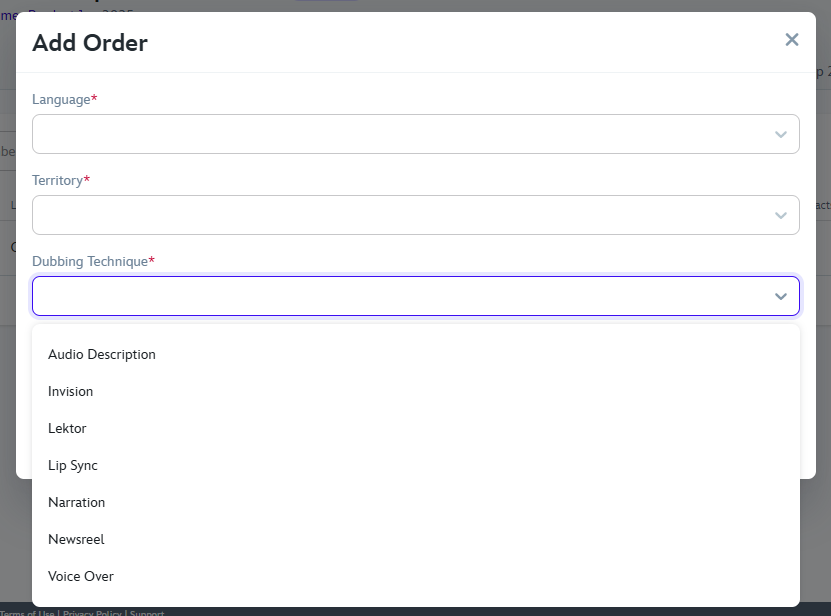
Click on the "Dubbing Technique" field and you will see drop down menu, select one option.
Click on the last option an choose a Dubbing Studio to assign the Order and then click on Save.
15 September 2025