How to assign and update the territory of an order?
To assign or update the territory of an order:
Click on the Job tab and select a job
To update the territory, you will have to create an order.
To set a territory the first time click on Add order
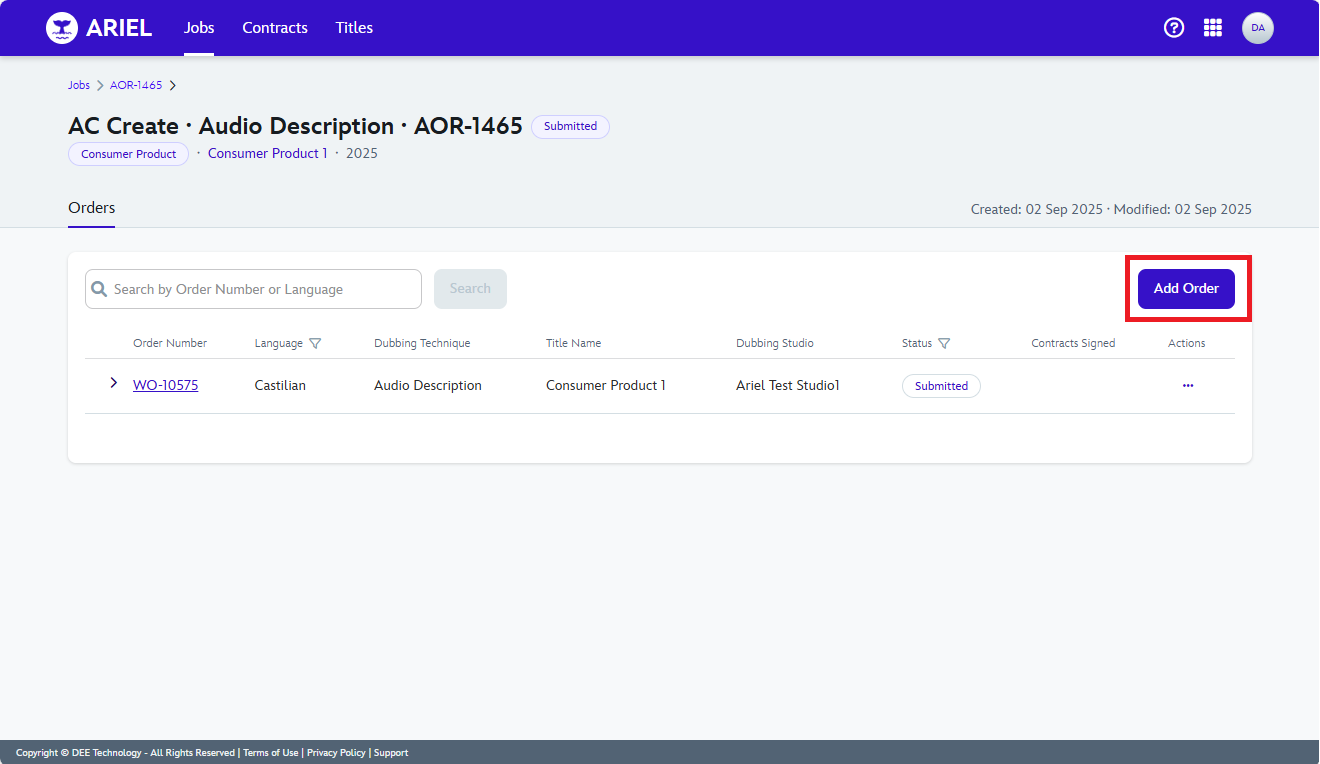
Click on the first option in the dropdown list of options select the language
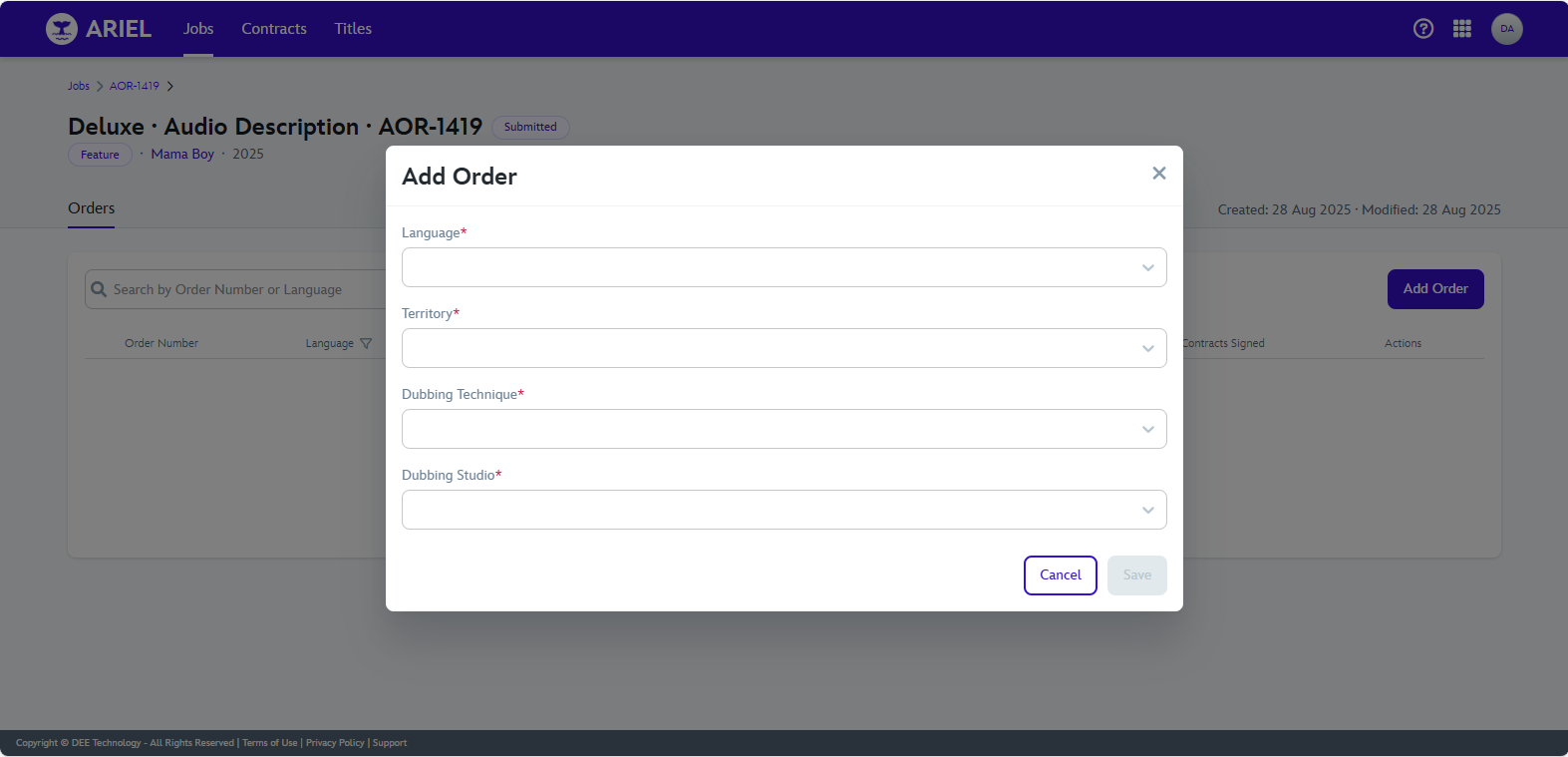
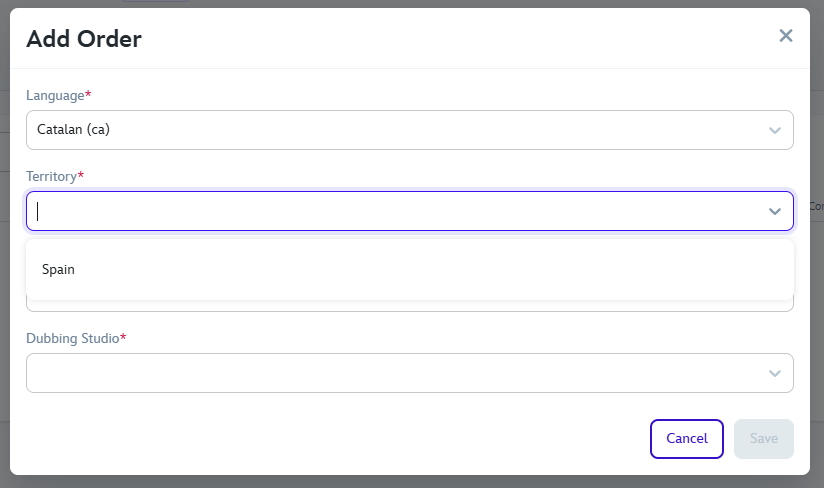
Territory is assigned when selecting the Language
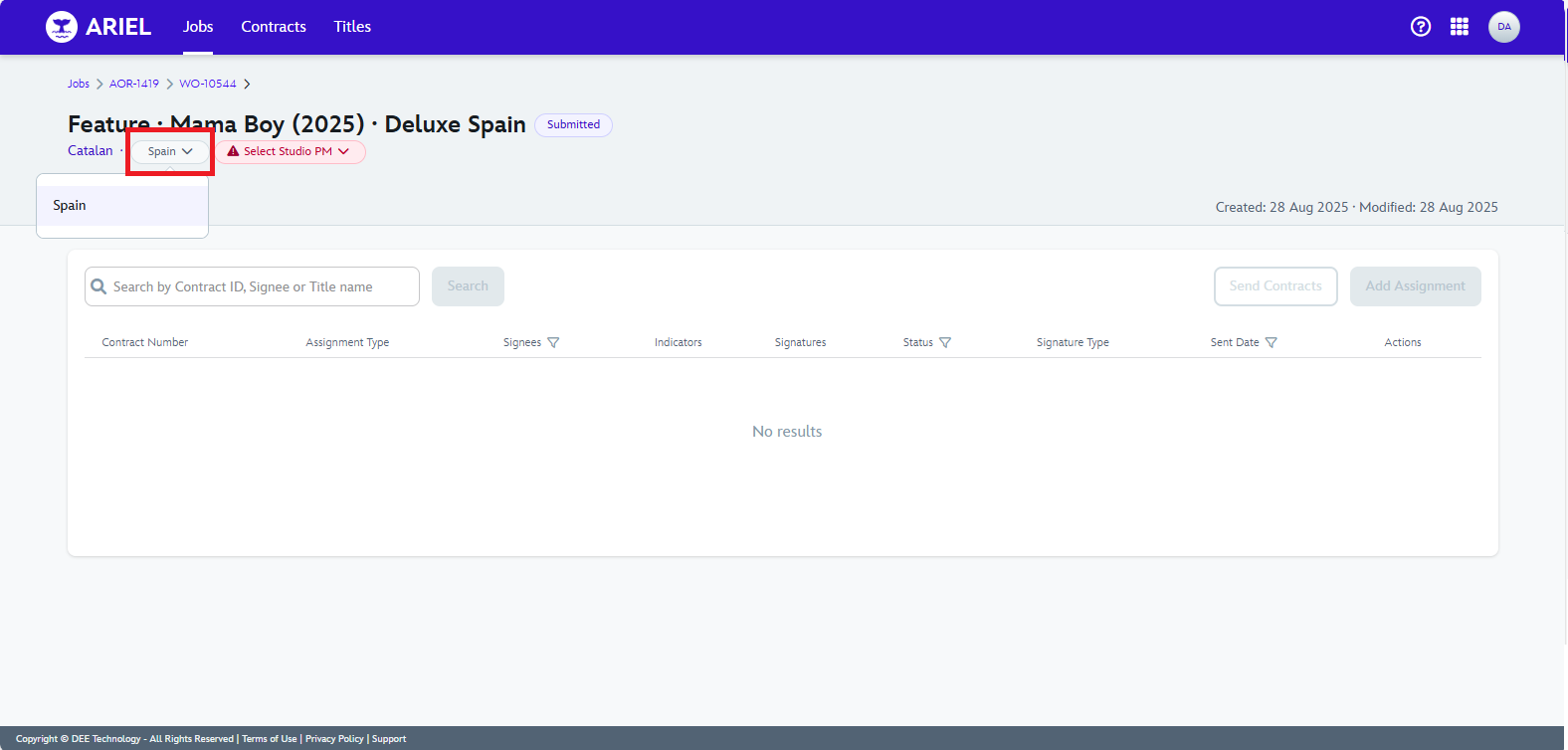
To update a territory, at the WO level on the top left side you will have a dropdown option list, to change the territory if available for the language.
15 September 2025