How to add a contract for an minor voice talent?
To add a contract for minor voice talent:
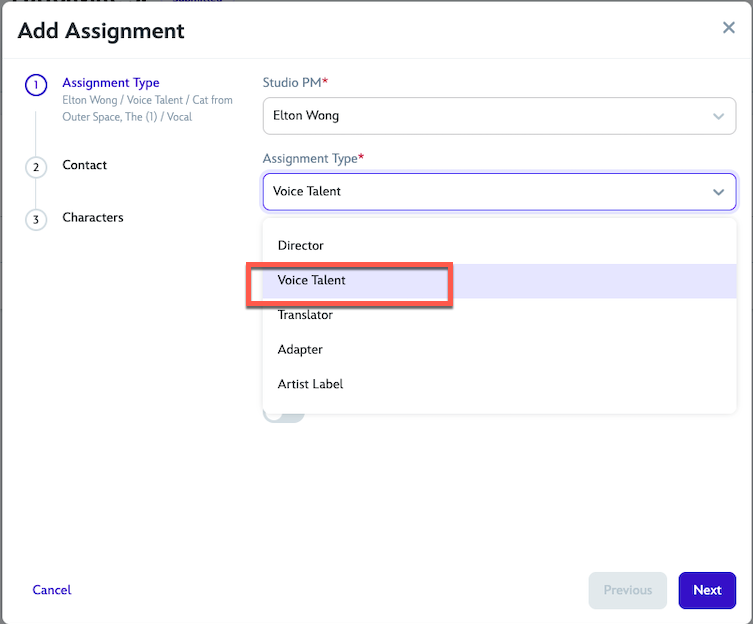
Follow the steps in adding contract for an assignment type and select Voice Talent in the Assignment Type field.
Click Next.
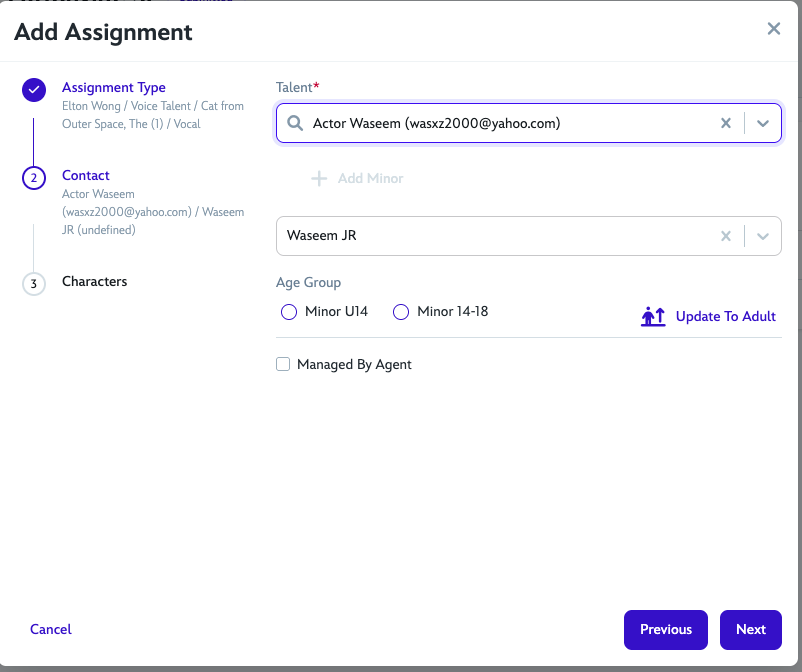
Search for the minor's parent email address (or create contact if not there).
Select Age Group options:
Minor U14
Minor 14-18
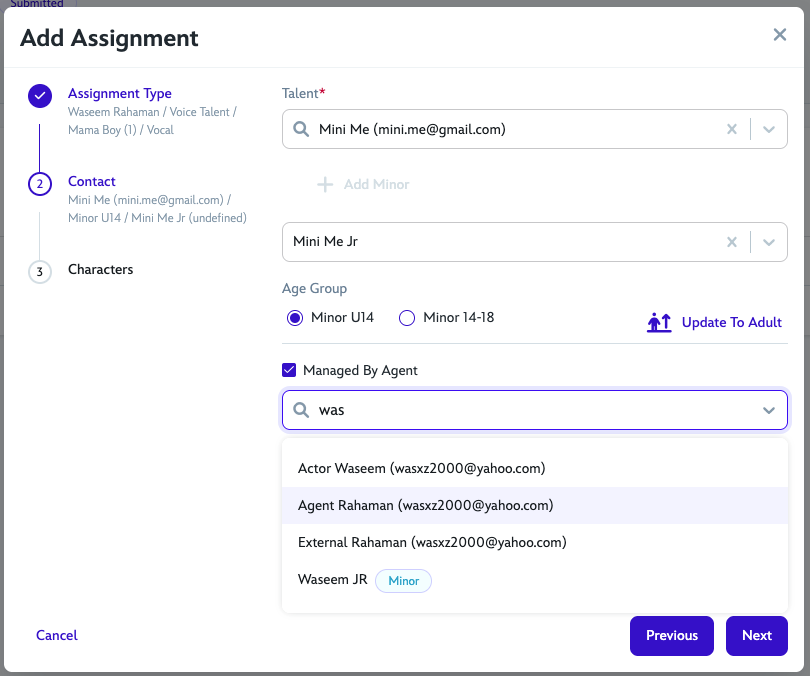
Check the Managed by Agent checkbox if applicable, depending if contract should be managed by Agent
If the minor is managed by agent, select agent's email from the drop-down menu.
Click Next.
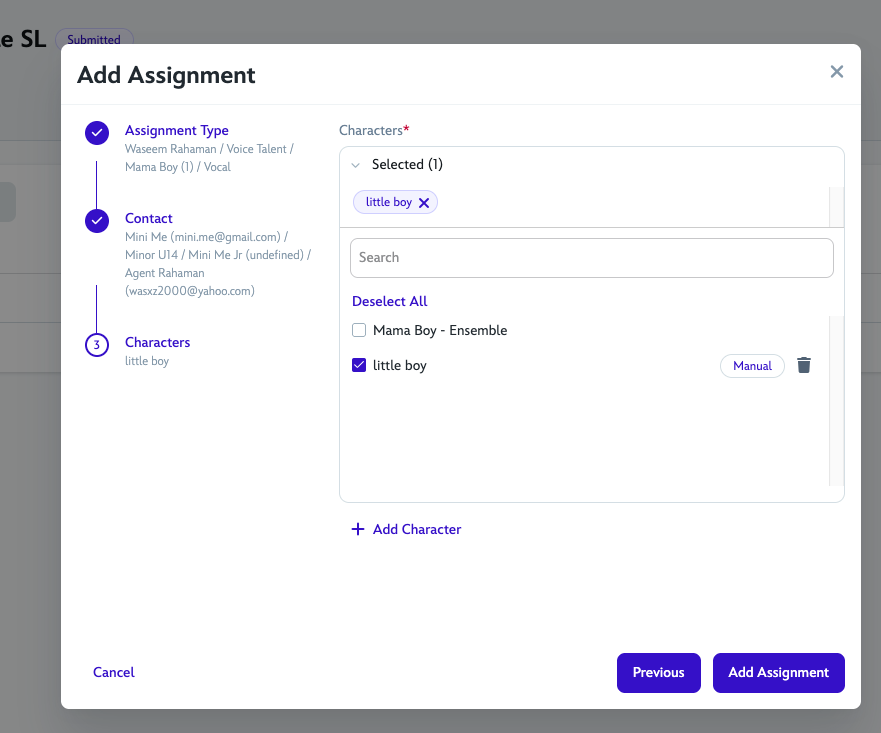
Select a character or add a character.
Click Add Assignment.
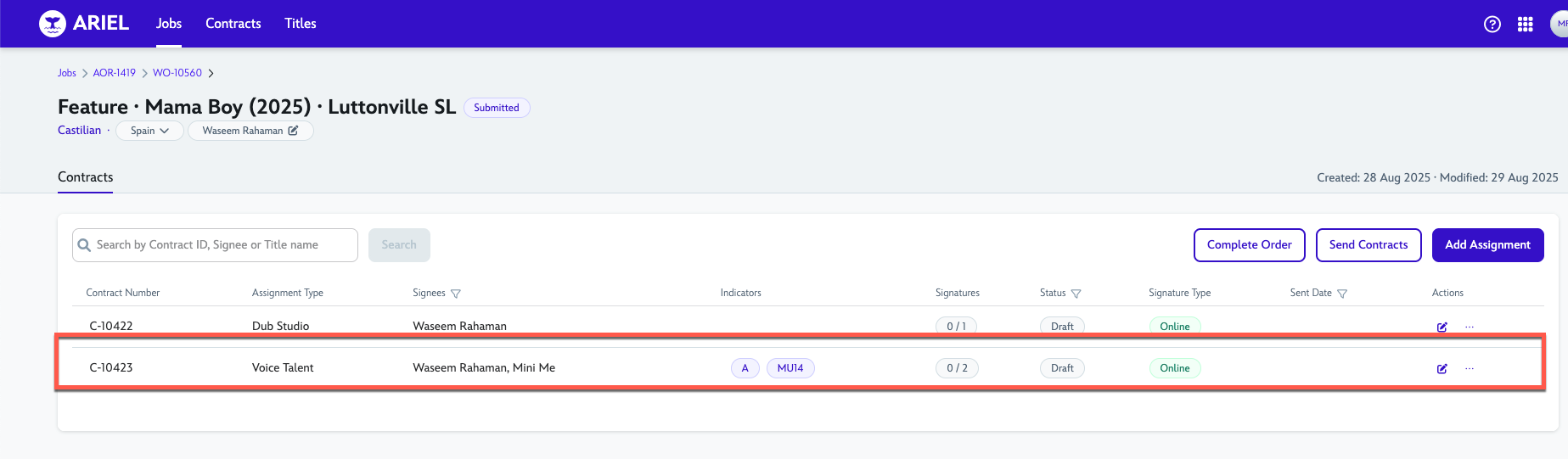
You'll see 2 signees if managed by agent and indicators if talent is a minor.
15 September 2025