Search and Add Titles
Search for a Title
Head to the Titles tab and search for the title you want in the search field.
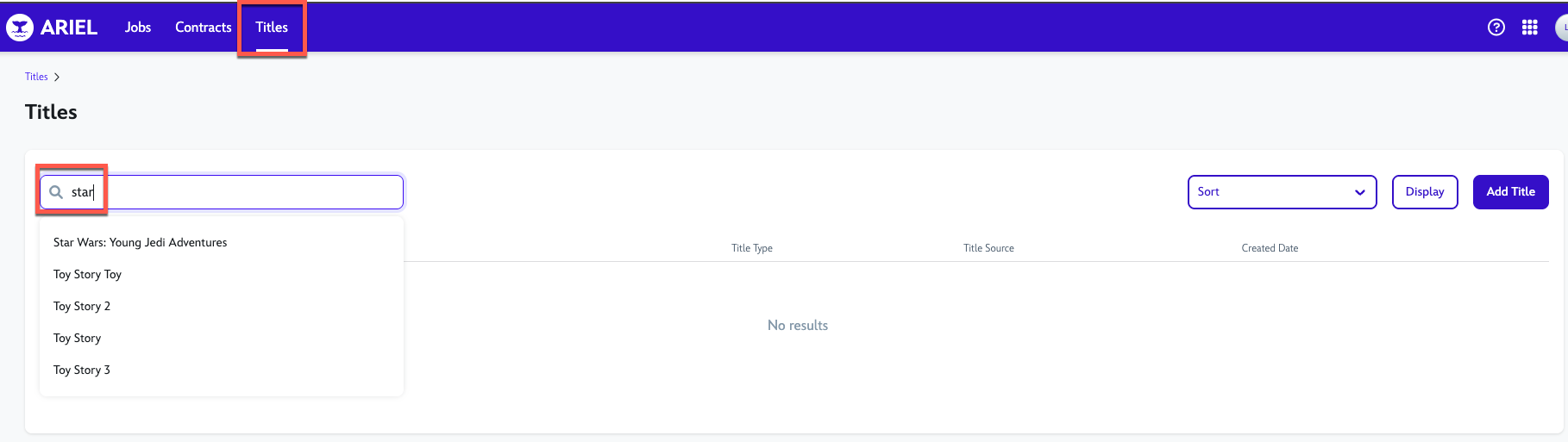
Click the title you are looking for, this should open up the title page where you can find more data about it.
The Title name at the top, shows the RADAR Product ID and the Year of release.

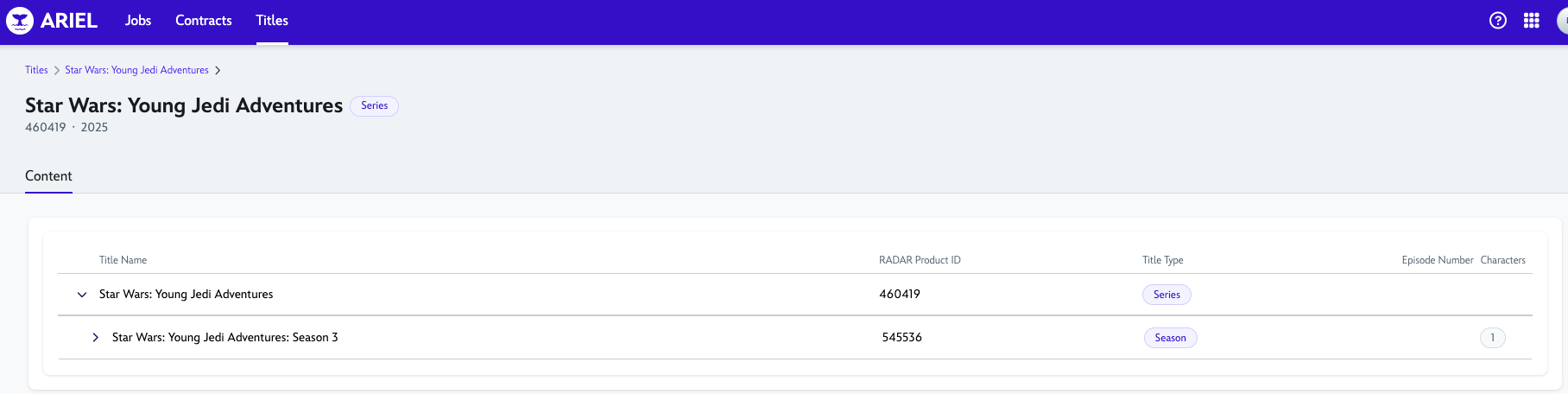
Click on the drop-down arrows. Here you are able to see the Seasons and episodes, with their respective RADAR Product IDs, Episode Number and the number of Characters for the season. The CTaM ID will be shown on the Right side tab for each Character Name.
You can also use the Search function on the Characters tab, to search an specific Character to get their CTaM ID.

Add a Title
If the title is not found in CPM, you can create it manually.
Creating Titles in ARIEL is mainly used for two things:
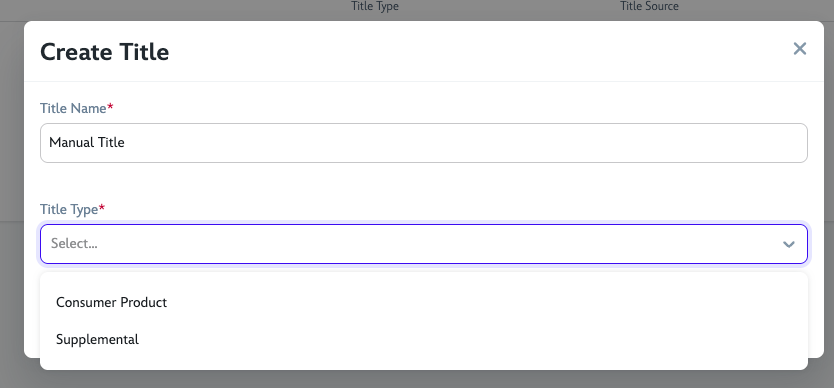
For Toys, where the Title Type will be selected as Consumer Product.
For Trailers for social media or other applications as a Supplemental Type, where the Trailers will not be registered through RADAR with an ID.
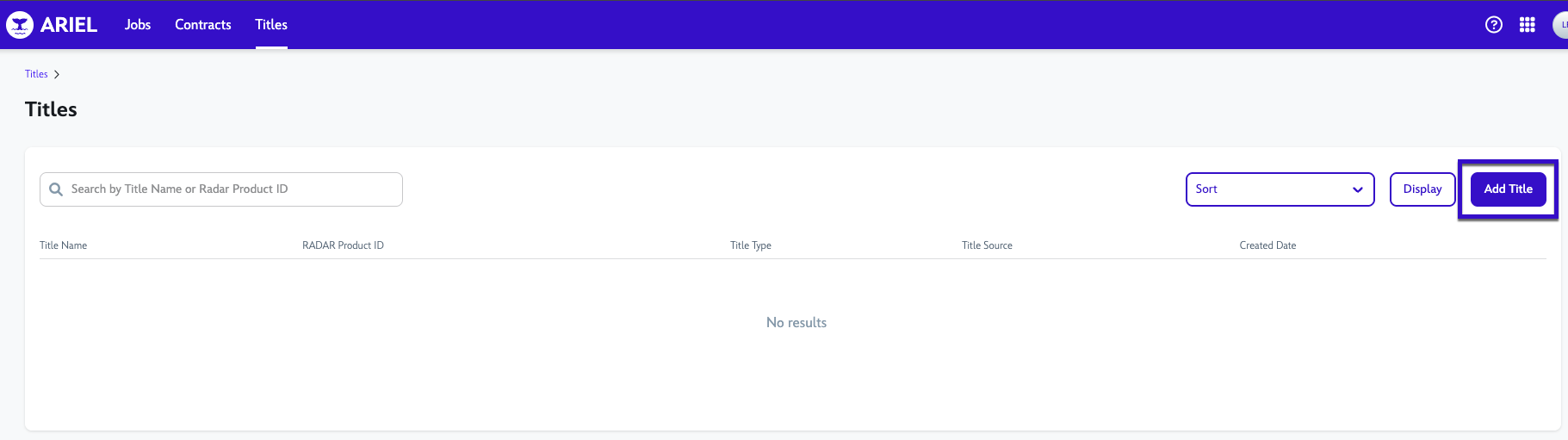
In the Titles tab, click the Add Title button
In the pop-up, write the Title name and select its Title Type, then click Save.