View, Search and Add Jobs
View Assigned Jobs
As soon as you are logged in, ARIEL will redirect to the Jobs page. You can always open it by clicking on the "Jobs" tab next to ARIEL's header.
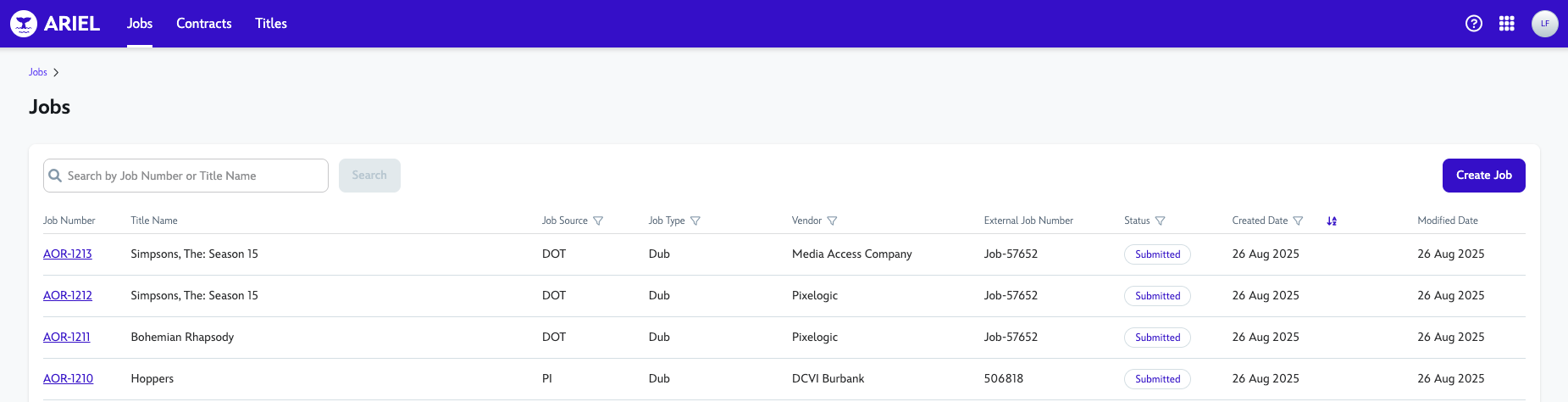
Jobs that are assigned to you, should be visible immediately on the drop-down.
Search for Jobs
Jobs can be searched by Job Number (e.g: AOR-1213) or Title Name (e.g: Simpsons, The: Season 15). Any keywords for the title name will bring up a list of titles containing it for easier searching.

Add a Job
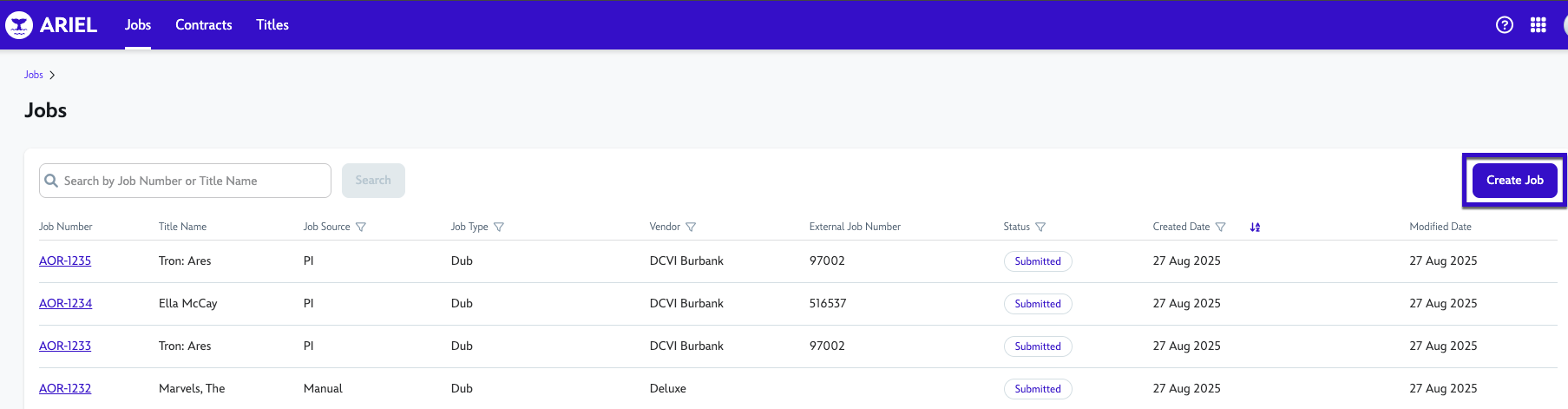
To create a Job, head to the Jobs tab and click the Create Job button
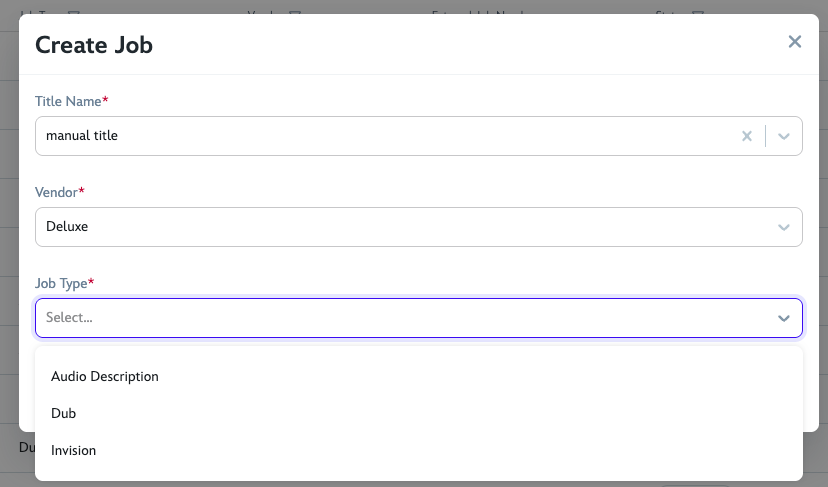
Search for the Title you want to Create the Job for, the Vendor it will be assigned to and the Job Type. Then click Save.
Ariel will redirect after a few seconds to the Job you just created. Here you can see the Job number, in this example, AOR-1236.
You will see its status as "submitted", the pill showing its a Consumer Product and next to it, the Title Name.
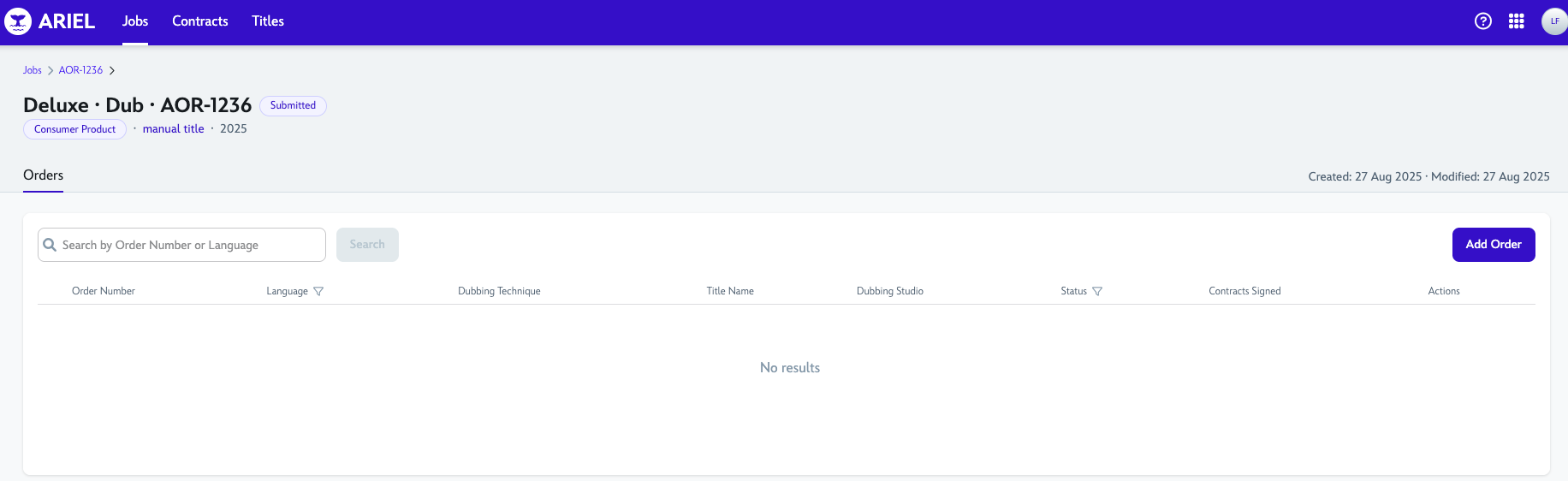
The Job Details header will display the Job information at a glance: 
Vendor Name - Job Type - Job Number (Job State)
Title Type - Title Name - Release Year